
Property Viewings: Book Faster and Fill Slots in 2026
Use a property viewing scheduler to organize showings, cut no-shows, and keep momentum. Houseup streamlines bookings, reminders, and follow-ups in one place.

A property viewing scheduler is a simple system that lets buyers book time slots and sellers confirm, coordinate, and track showings in one place. For homeowners in Aurora at 106 Brookeview Dr using Houseup, it centralizes messages, availability, reminders, and access notes—so you spend less time juggling texts and more time moving toward an accepted offer.
By Houseup • Last updated: 2026-05-07
At a Glance
Use a viewing scheduler to publish real availability, require buyer details, auto-confirm, and send reminders. Add buffers, house rules, and access notes. Track no-shows and follow-ups. This creates a reliable cadence of showings that converts interest into qualified offers without back-and-forth.
This complete guide shows homeowners, buyers, and professionals how to set up a reliable viewing workflow on Houseup—Canada’s social real estate platform. You’ll learn the mechanics, best practices, legal and safety guardrails, and how to blend open houses, private tours, and virtual walk-throughs into a smooth pipeline.
Quick Summary
- What a viewing scheduler is and why it matters for faster sales
- How to configure time slots, buffers, confirmations, and reminders
- Pro tips for safety, access, and visitor flow during busy days
- Tools and resources inside Houseup to list, schedule, and close
- Aurora-specific tips that reflect neighborhood timing and travel
Table of Contents
- What is a property viewing scheduler?
- Why scheduling matters for selling
- How a scheduler works
- Types and approaches
- Best practices (with local notes)
- Tools and resources
- Case studies and examples
- Frequently Asked Questions
- Conclusion and next steps
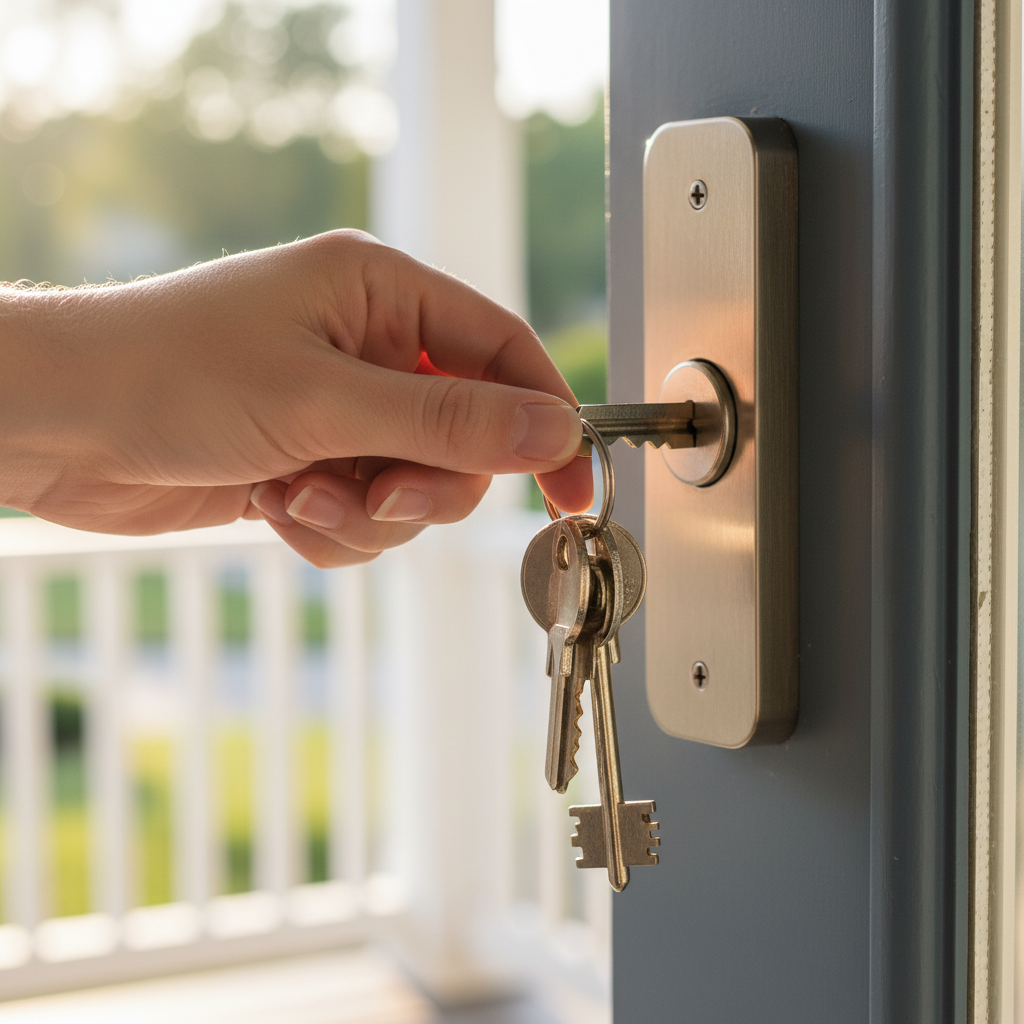
What Is a Property Viewing Scheduler?
A property viewing scheduler is a coordinated booking system for home tours. It posts available time slots, verifies buyers, automates confirmations and reminders, and organizes access instructions. On Houseup, it connects to listing chat, so sellers and verified buyers coordinate showings without juggling multiple apps.
Think of it as your personal front desk for home tours. Instead of managing messages across text, email, and social DMs, you centralize booking. Buyers request a spot; you approve or auto-confirm; the system handles reminders and updates. After the visit, follow-ups and feedback flow through the same thread, making decisions easier.
Core components
- Time slot publishing: Define days/hours you’ll accept tours and the maximum party size.
- Buyer verification: Require basic details before confirmation to keep visits productive.
- Automated messaging: Send confirmations, reminders, and post-tour follow-ups.
- Access notes and rules: Include parking tips, shoe policy, and alarm details.
- Rescheduling logic: Allow simple changes, with buffers that protect your time.
Houseup brings these elements into one flow so you can list your property, screen interest, and guide qualified buyers toward next steps. It’s built for direct communication—no middleman—so momentum stays with you.
Why a Scheduler Matters When You’re Selling
Scheduling discipline turns curiosity into committed offers. By standardizing time slots, reminders, and follow-ups, you reduce no-shows, compress days-on-market, and maintain your routine. The result is steadier tour volume, clearer buyer intent, and cleaner post-visit negotiations.
Most homeowners underestimate how much time goes into phone-tag. A good cadence—predictable viewing windows, practical buffers, and timely nudges—does the heavy lifting. When your viewing pipeline runs on rails, you protect family time, keep the house show-ready, and learn faster from visitor feedback.
- Fewer no-shows: Reminders and clear directions raise arrival reliability.
- Better pacing: Buffers prevent overlap and let you reset the space.
- Clean records: A single thread for questions, notes, and next steps.
- Faster follow-up: Post-tour prompts keep qualified buyers engaged.
Inside Houseup, scheduling is linked to direct buyer connection and negotiation, so interest captured from your listing becomes a timed visit and then a documented conversation about terms.
How a Property Viewing Scheduler Works
Set your availability, publish viewing rules, and let verified buyers book. The system confirms, reminds, and logs feedback. You add buffers, adjust capacity, and trigger follow-ups. Everything ties to your Houseup listing and chat so each showing turns into a clean, next-step conversation.
Here’s the end-to-end flow many Aurora homeowners adopt on Houseup. It’s simple, predictable, and easy to repeat weekend after weekend.
Step-by-step workflow
- Create your listing: Add photos, details, and house rules. Then enable viewing windows. See our photography guide to maximize clicks.
- Define time slots: Offer practical windows (for example, early evenings and weekend mornings) with 10–15 minute buffers.
- Require basics: Ask for names and contact info before confirmation; keep group size manageable.
- Automate reminders: Send 24-hour and 2-hour nudges with parking tips and shoe/boot policy.
- Prepare access: Stash valuables, open blinds, and secure pets. Stage lightly between tours.
- Host the tour: Greet, highlight top features, and keep a short route—kitchen, primary, yard.
- Capture feedback: Log questions and interest signals right in the chat thread.
- Follow up fast: Share disclosures or next steps within the same day to maintain momentum.
Manual vs. automated vs. integrated
| Approach | Pros | Cons | Best for |
|---|---|---|---|
| Manual (texts/calls) | Personal, flexible | Missed messages, double bookings, no reminders | Single-viewing scenarios |
| Automated calendar tool | Basic booking, reminders | Detached from listing chat and buyer verification | Low-volume or simple spaces |
| Integrated (Houseup) | Linked to listing, verified buyers, negotiation thread | Requires initial setup | Active listings with steady interest |
This integrated route saves energy on logistics so you can focus on substance—answering buyer questions and guiding serious prospects toward offer terms and closing steps using Houseup’s legal guidance.
Types, Methods, and Approaches
Blend private showings, open houses, and virtual tours to meet buyers where they are. Use shorter weekday slots for commuters, stack weekend windows for families, and keep a virtual option for remote shoppers. Pair every format with buffers, rules, and swift follow-ups.
Private, accompanied tours
- Best for depth: Buyers ask detailed questions; you tailor the route.
- Cadence control: 20–30 minute bookings with 10–15 minute resets.
- Conversion cues: Questions about timelines, comparables, and inclusions signal readiness.
Open house windows
- Awareness play: Concentrated interest over a 2–3 hour window.
- Staffing: A second person near entry helps with sign-in and flow.
- Follow-up: Sort attendees by seriousness and message the top tier first.
Virtual and hybrid viewings
- Remote reach: Live video walk-throughs or pre-recorded tours capture out-of-town buyers.
- Prep once: Stage well-lit areas; narrate key upgrades and utility facts.
- Next step: Invite serious viewers to an in-person slot for a final check.
Houseup supports varied workflows: message verified buyers, schedule showings, and negotiate—all anchored to your listing. This is especially helpful when you reach buyers across Canada and need flexible visit options.
Best Practices for a Smooth, Safe Schedule
In Aurora and the Regional Municipality of York, set predictable evening and weekend windows, use 10–15 minute buffers, and publish clear access rules. Confirm buyer details through Houseup chat and send same-day follow-ups. This preserves rhythm, safety, and momentum from first click to offer.
Scheduling and pacing
- Standard windows: Weeknights 5–7 pm and weekends 10 am–2 pm often match buyer habits.
- Buffers: 10–15 minutes keeps tours from stacking and gives you reset time.
- Capacity: Limit groups to protect the condition of your space.
Safety and access
- Arrival rules: Ask guests to remove shoes; keep valuables secure and out of sight.
- Access notes: Door codes, parking, and pet details reduce confusion at the door.
- Presence: If you can’t host, have a trusted helper present for entry and exit.
Communication discipline
- Two-touch reminders: A 24-hour and a 2-hour message minimizes no-shows.
- House rules in writing: Add them to every confirmation to avoid awkward moments.
- Same-day follow-ups: Keep questions moving while the tour is fresh.
Local considerations for Aurora
- Plan viewing routes that consider nearby green spaces like Norm Weller Park for a quick curb-appeal reset between tours.
- Winter and shoulder seasons bring early sunsets—front exterior lights on timers help evening slots feel welcoming.
- Weekend traffic patterns in the Regional Municipality of York can stretch travel; keep buffers generous for back-to-back bookings.
These habits compound. When your schedule is predictable and your house rules are clear, serious buyers feel welcomed and guided. Your time stays protected and your listing projects confidence.
Tools and Resources (Inside and Around Houseup)
Start with Houseup’s integrated listing, chat, and scheduling. Add a photography checklist, pre-tour staging routine, and a simple visitor log. Keep a ready packet of disclosures and a standard follow-up template to turn each viewing into a decisive next step.
- Houseup listing + schedule: Create your listing, then enable windows. See the listing guide.
- Visuals that sell: Stage and shoot with our photography best practices.
- Marketplace reach: Understand distribution in our marketplace guide.
- Direct buyer chat: Learn how to engage in our direct connection guide.
- Hiring help: See screening tips in hire professionals Q&A.
For offline materials like appointment cards and feature sheets, browse local print options such as these examples of appointment cards and feature sheets. For inspiration on remote-friendly tours, see a sample virtual tour workflow. Use these as ideas to complement your in-app scheduling.
Helpful tip: Keep a single "show kit" by the door—fresh boot tray, disposable shoe covers, microfiber cloth, and a spare set of keys. It trims reset time between back-to-back slots.
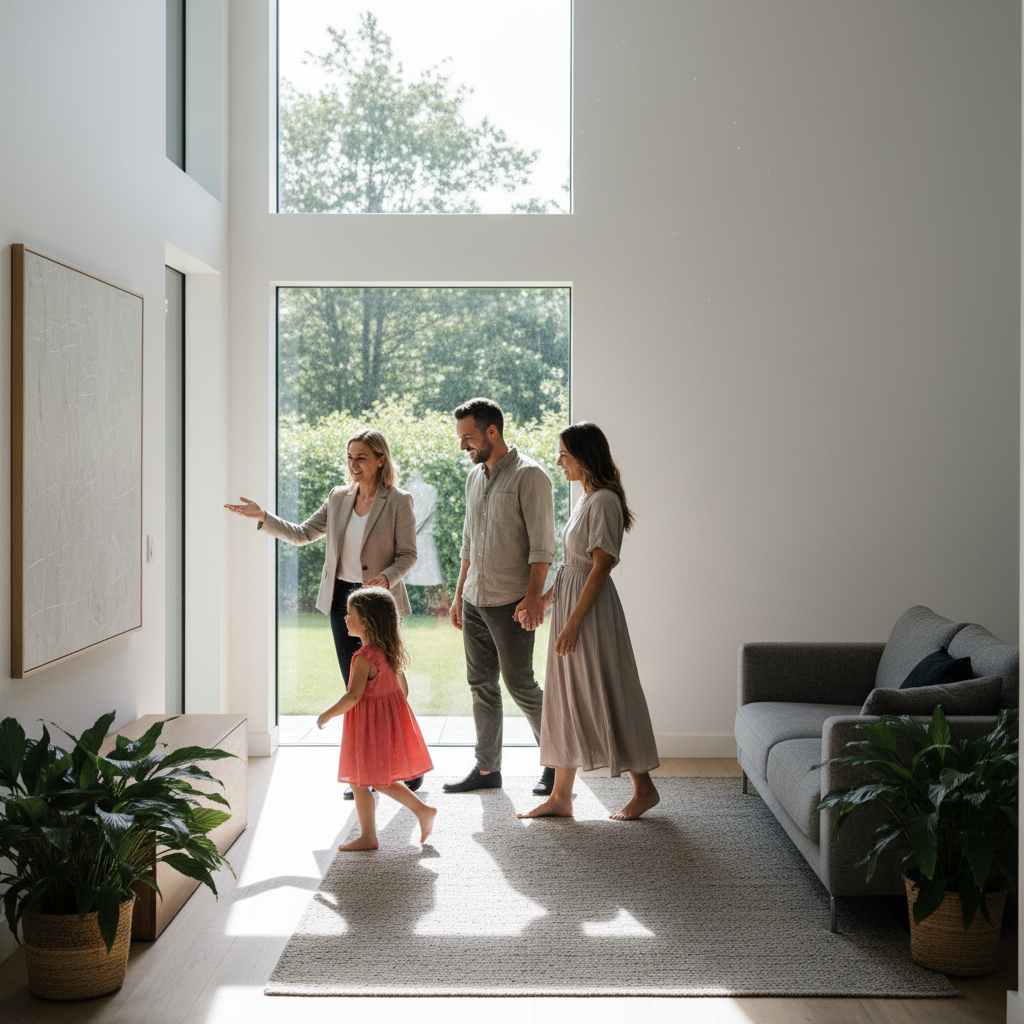
Case Studies and Practical Examples
Tight scheduling converts interest into offers. In practice, Aurora sellers using consistent windows, buffers, and same-day follow-ups report steadier turnout and quicker decisions. These mini-scenarios show how integrated messaging and scheduling inside Houseup streamline the path from first inquiry to signed terms.
106 Brookeview Dr: weekend stacks with weekday follow-ups
- The setup: Saturday and Sunday windows 10 am–1 pm with 15-minute buffers.
- The flow: Reminders included parking and shoe policy; a visitor log captured contact details.
- The result: Clear separation between curious and committed buyers—negotiation moved to chat the same afternoon.
Virtual-first to in-person: out-of-town buyer route
- Start remote: A narrated video tour answered layout questions quickly.
- Qualify fast: The buyer scheduled a weeknight slot for a focused, 20-minute inspection.
- Next step: Disclosures and inclusions posted to chat within hours maintained momentum.
Open house + private follow-ups
- Awareness day: A two-hour Sunday window created energy and overlapping interest.
- Sorting: The host noted top five prospects; private showings slotted the next two evenings.
- Outcome: Serious buyers progressed to offer terms inside Houseup’s negotiation thread.
These examples mirror what we see across the country: predictable windows, clear instructions, and crisp follow-ups turn a busy weekend into real movement on terms and timelines.
Frequently Asked Questions
Most sellers want to know how to confirm buyers, prevent overlaps, and keep tours safe. Houseup’s scheduler centralizes booking, verification, reminders, and chat so each showing starts on time and ends with a clear next step. Here are direct answers to common questions.
How do I prevent double-booking my home?
Publish fixed viewing windows, cap the number of concurrent guests, and add 10–15 minute buffers. Use Houseup’s confirmations and reminders so requests lock into your calendar, and last-minute changes trigger a reschedule rather than an overlap.
What should I include in viewing reminders?
Share parking tips, shoe policy, entry instructions, and any pet notes. Add your contact method and a quick reschedule link. A 24-hour and 2-hour reminder cadence reduces no-shows and keeps arrivals smooth.
How do I keep showings safe and comfortable?
Verify basic details in chat, keep valuables stored, and set arrival rules in writing. If you won’t be present, have a trusted helper manage entry and exit. Clear instructions at the door and good lighting make a strong first impression.
Can I mix open houses with private tours?
Yes. Use open houses for awareness and private slots for depth. After a busy window, message serious visitors first and offer focused, 20–30 minute follow-ups. This two-step path often speeds decisions.
Conclusion and Next Steps
A disciplined property viewing scheduler frees you from logistics and focuses you on decisions. Standard windows, buffers, rules, and fast follow-ups create a steady path from listing to offer. Set up your cadence once and reuse it every weekend until the right buyer says yes.
- Key Takeaways
- Publish predictable viewing windows with smart buffers.
- Send clear, two-touch reminders with access notes and rules.
- Use one thread for questions, feedback, and next steps.
- Blend open houses, private tours, and virtual walk-throughs.
- Action Steps
- Create your listing and enable scheduling in Houseup.
- Set evening and weekend windows; add 10–15 minute buffers.
- Add arrival rules and a standard follow-up template.
- Engage verified buyers through chat and guide next steps.
Soft CTA: Ready to organize your showings? Explore active Houseup listings, then follow our social real estate platform guide to set up a smooth scheduling workflow.